134 lines
4.8 KiB
Plaintext
134 lines
4.8 KiB
Plaintext

|
Metadata-Version: 2.4
|
|||
|
|
Name: requests
|
|||
|
|
Version: 2.32.5
|
|||
|
|
Summary: Python HTTP for Humans.
|
|||
|
|
Home-page: https://requests.readthedocs.io
|
|||
|
|
Author: Kenneth Reitz
|
|||
|
|
Author-email: me@kennethreitz.org
|
|||
|
|
License: Apache-2.0
|
|||
|
|
Project-URL: Documentation, https://requests.readthedocs.io
|
|||
|
|
Project-URL: Source, https://github.com/psf/requests
|
|||
|
|
Classifier: Development Status :: 5 - Production/Stable
|
|||
|
|
Classifier: Environment :: Web Environment
|
|||
|
|
Classifier: Intended Audience :: Developers
|
|||
|
|
Classifier: License :: OSI Approved :: Apache Software License
|
|||
|
|
Classifier: Natural Language :: English
|
|||
|
|
Classifier: Operating System :: OS Independent
|
|||
|
|
Classifier: Programming Language :: Python
|
|||
|
|
Classifier: Programming Language :: Python :: 3
|
|||
|
|
Classifier: Programming Language :: Python :: 3.9
|
|||
|
|
Classifier: Programming Language :: Python :: 3.10
|
|||
|
|
Classifier: Programming Language :: Python :: 3.11
|
|||
|
|
Classifier: Programming Language :: Python :: 3.12
|
|||
|
|
Classifier: Programming Language :: Python :: 3.13
|
|||
|
|
Classifier: Programming Language :: Python :: 3.14
|
|||
|
|
Classifier: Programming Language :: Python :: 3 :: Only
|
|||
|
|
Classifier: Programming Language :: Python :: Implementation :: CPython
|
|||
|
|
Classifier: Programming Language :: Python :: Implementation :: PyPy
|
|||
|
|
Classifier: Topic :: Internet :: WWW/HTTP
|
|||
|
|
Classifier: Topic :: Software Development :: Libraries
|
|||
|
|
Requires-Python: >=3.9
|
|||
|
|
Description-Content-Type: text/markdown
|
|||
|
|
License-File: LICENSE
|
|||
|
|
Requires-Dist: charset_normalizer<4,>=2
|
|||
|
|
Requires-Dist: idna<4,>=2.5
|
|||
|
|
Requires-Dist: urllib3<3,>=1.21.1
|
|||
|
|
Requires-Dist: certifi>=2017.4.17
|
|||
|
|
Provides-Extra: security
|
|||
|
|
Provides-Extra: socks
|
|||
|
|
Requires-Dist: PySocks!=1.5.7,>=1.5.6; extra == "socks"
|
|||
|
|
Provides-Extra: use-chardet-on-py3
|
|||
|
|
Requires-Dist: chardet<6,>=3.0.2; extra == "use-chardet-on-py3"
|
|||
|
|
Dynamic: author
|
|||
|
|
Dynamic: author-email
|
|||
|
|
Dynamic: classifier
|
|||
|
|
Dynamic: description
|
|||
|
|
Dynamic: description-content-type
|
|||
|
|
Dynamic: home-page
|
|||
|
|
Dynamic: license
|
|||
|
|
Dynamic: license-file
|
|||
|
|
Dynamic: project-url
|
|||
|
|
Dynamic: provides-extra
|
|||
|
|
Dynamic: requires-dist
|
|||
|
|
Dynamic: requires-python
|
|||
|
|
Dynamic: summary
|
|||
|
|
|
|||
|
|
# Requests
|
|||
|
|
|
|||
|
|
**Requests** is a simple, yet elegant, HTTP library.
|
|||
|
|
|
|||
|
|
```python
|
|||
|
|
>>> import requests
|
|||
|
|
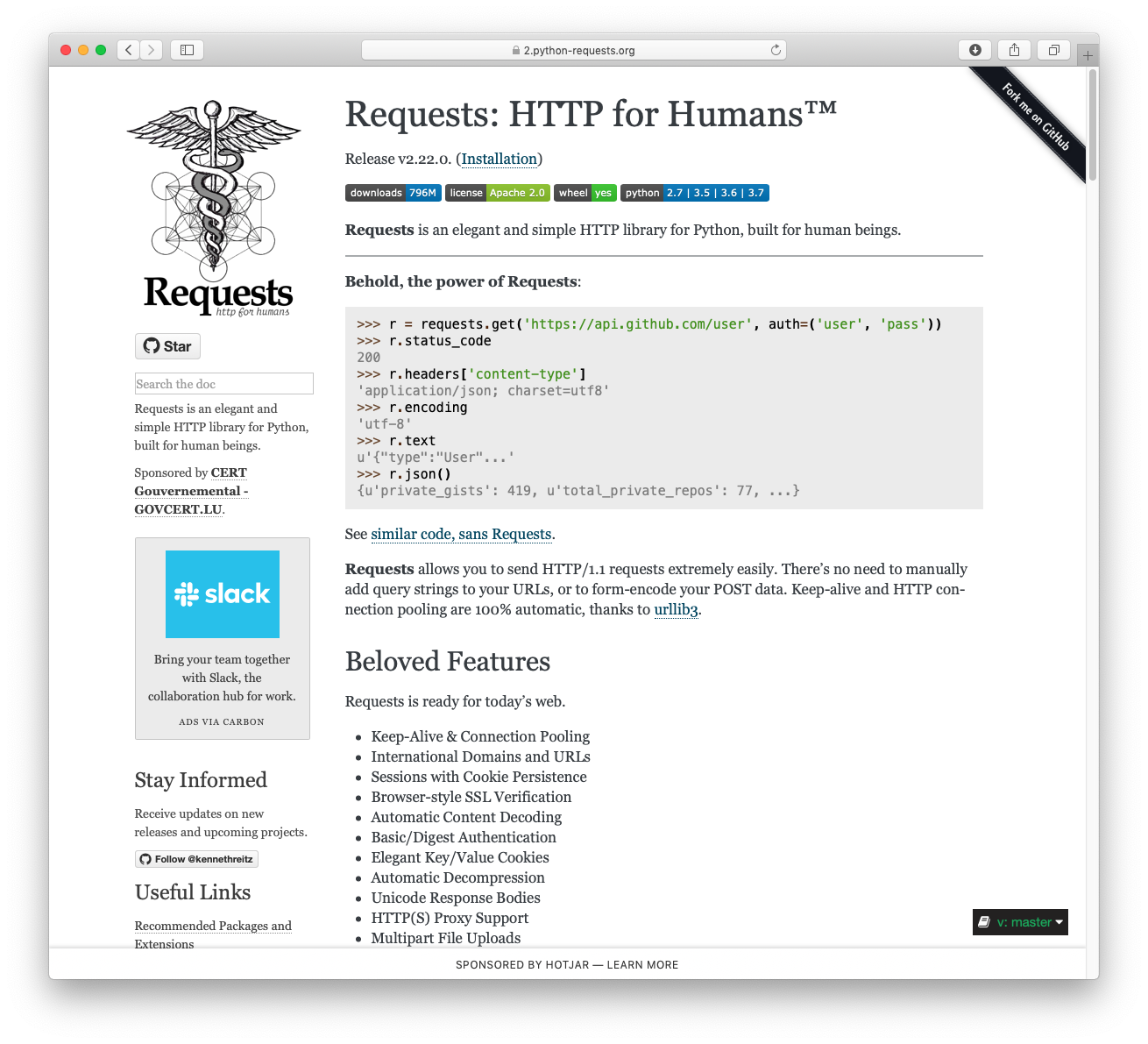
>>> r = requests.get('https://httpbin.org/basic-auth/user/pass', auth=('user', 'pass'))
|
|||
|
|
>>> r.status_code
|
|||
|
|
200
|
|||
|
|
>>> r.headers['content-type']
|
|||
|
|
'application/json; charset=utf8'
|
|||
|
|
>>> r.encoding
|
|||
|
|
'utf-8'
|
|||
|
|
>>> r.text
|
|||
|
|
'{"authenticated": true, ...'
|
|||
|
|
>>> r.json()
|
|||
|
|
{'authenticated': True, ...}
|
|||
|
|
```
|
|||
|
|
|
|||
|
|
Requests allows you to send HTTP/1.1 requests extremely easily. There’s no need to manually add query strings to your URLs, or to form-encode your `PUT` & `POST` data — but nowadays, just use the `json` method!
|
|||
|
|
|
|||
|
|
Requests is one of the most downloaded Python packages today, pulling in around `30M downloads / week`— according to GitHub, Requests is currently [depended upon](https://github.com/psf/requests/network/dependents?package_id=UGFja2FnZS01NzA4OTExNg%3D%3D) by `1,000,000+` repositories. You may certainly put your trust in this code.
|
|||
|
|
|
|||
|
|
[](https://pepy.tech/project/requests)
|
|||
|
|
[](https://pypi.org/project/requests)
|
|||
|
|
[](https://github.com/psf/requests/graphs/contributors)
|
|||
|
|
|
|||
|
|
## Installing Requests and Supported Versions
|
|||
|
|
|
|||
|
|
Requests is available on PyPI:
|
|||
|
|
|
|||
|
|
```console
|
|||
|
|
$ python -m pip install requests
|
|||
|
|
```
|
|||
|
|
|
|||
|
|
Requests officially supports Python 3.9+.
|
|||
|
|
|
|||
|
|
## Supported Features & Best–Practices
|
|||
|
|
|
|||
|
|
Requests is ready for the demands of building robust and reliable HTTP–speaking applications, for the needs of today.
|
|||
|
|
|
|||
|
|
- Keep-Alive & Connection Pooling
|
|||
|
|
- International Domains and URLs
|
|||
|
|
- Sessions with Cookie Persistence
|
|||
|
|
- Browser-style TLS/SSL Verification
|
|||
|
|
- Basic & Digest Authentication
|
|||
|
|
- Familiar `dict`–like Cookies
|
|||
|
|
- Automatic Content Decompression and Decoding
|
|||
|
|
- Multi-part File Uploads
|
|||
|
|
- SOCKS Proxy Support
|
|||
|
|
- Connection Timeouts
|
|||
|
|
- Streaming Downloads
|
|||
|
|
- Automatic honoring of `.netrc`
|
|||
|
|
- Chunked HTTP Requests
|
|||
|
|
|
|||
|
|
## API Reference and User Guide available on [Read the Docs](https://requests.readthedocs.io)
|
|||
|
|
|
|||
|
|
[](https://requests.readthedocs.io)
|
|||
|
|
|
|||
|
|
## Cloning the repository
|
|||
|
|
|
|||
|
|
When cloning the Requests repository, you may need to add the `-c
|
|||
|
|
fetch.fsck.badTimezone=ignore` flag to avoid an error about a bad commit timestamp (see
|
|||
|
|
[this issue](https://github.com/psf/requests/issues/2690) for more background):
|
|||
|
|
|
|||
|
|
```shell
|
|||
|
|
git clone -c fetch.fsck.badTimezone=ignore https://github.com/psf/requests.git
|
|||
|
|
```
|
|||
|
|
|
|||
|
|
You can also apply this setting to your global Git config:
|
|||
|
|
|
|||
|
|
```shell
|
|||
|
|
git config --global fetch.fsck.badTimezone ignore
|
|||
|
|
```
|
|||
|
|
|
|||
|
|
---
|
|||
|
|
|
|||
|
|
[](https://kennethreitz.org) [](https://www.python.org/psf)
|